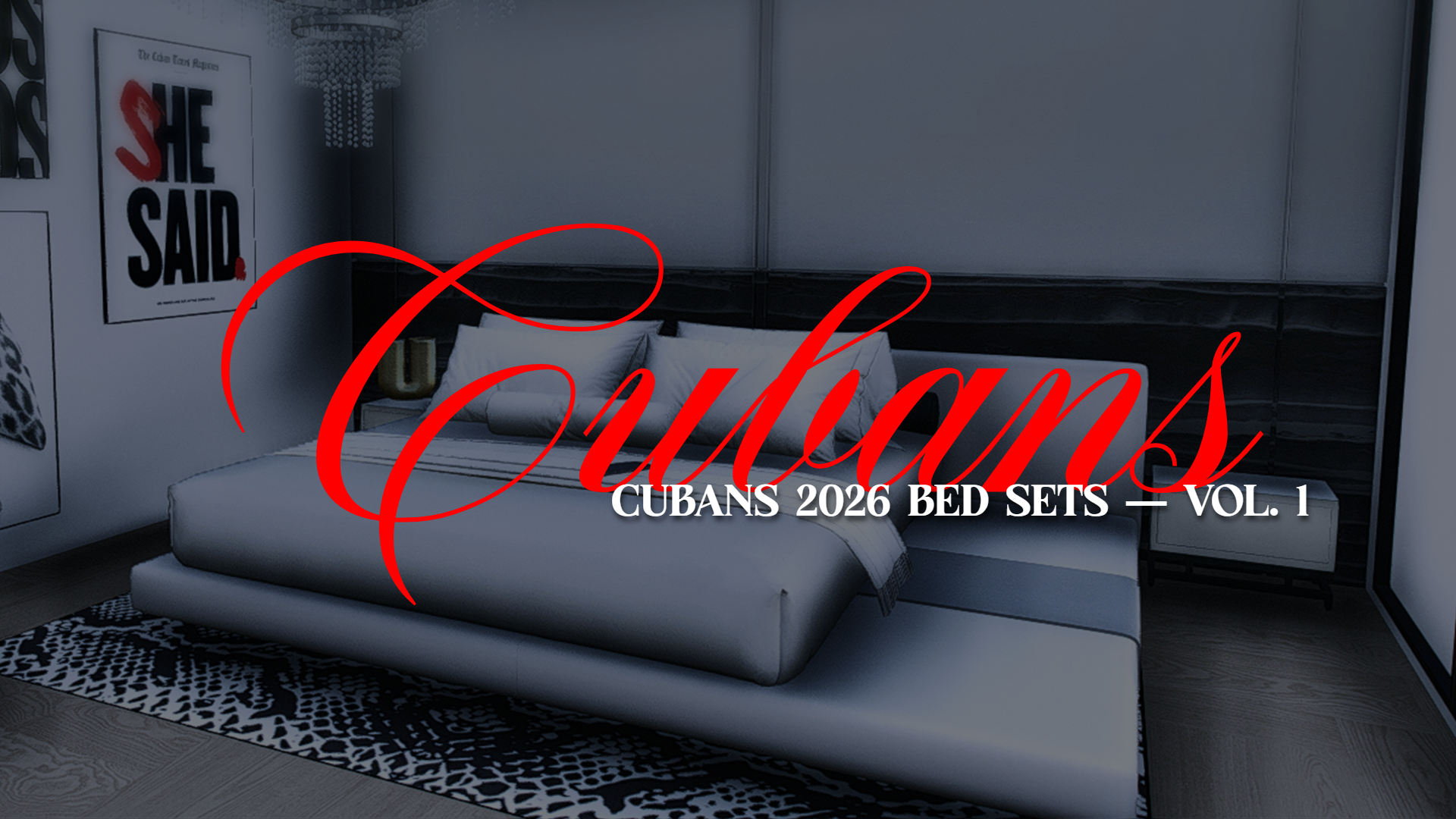
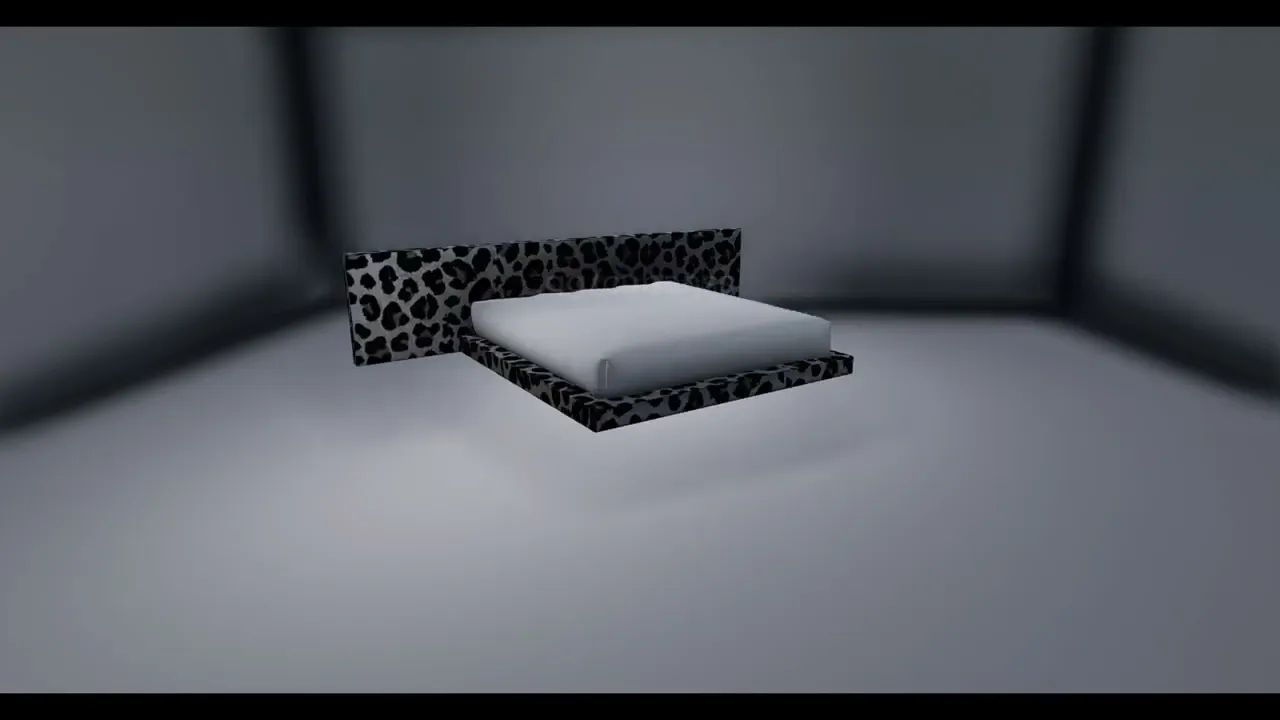
Bring your FiveM server to life with Cubans 2026 Beds set - V1, a high-quality prop pack designed for housing, mapping, decorating, and server customization. This pack includes 495 props made to help server owners, developers, mappers, and housing script users expand their interior and exterior options.
This product is escrow locked, you will receive your purchase through cfx portal https://portal.cfx.re/
WE DO NOT SEND THE PRODUCTS THROUGH EMAIL OR DISCORD! IT GOES DIRECTLY TO YOUR CFX ACCOUNT | ESTIMATED TIME IT TAKES TO ARRIVE : IMMEDATLEY - 30 MINS
Total Props*:* 495
Product Type*:* FiveM Prop Pack / Furniture Pack / Mapping Asset Pack
File Type*:* Drag-and-drop FiveM resource
Included Assets*:*
▪Streamed prop models
▪Textures
▪Resource files
▪Organized prop categories
▪Script compatibility
▪Documentation / installation instructions
This product adds custom props into your FiveM server so they can be used for*:*
▪Housing scripts
▪Furniture systems
▪Mapping projects
▪MLO decorating
▪Server interiors
▪Custom shells
▪Prop placement tools
▪Developer and mapper use
Once installed, the props can be spawned, added to compatible furniture scripts, or used inside maps depending on your server setup.
Compatibility
This product is made for FiveM and may be compatible with popular housing/furniture systems depending on the files included with this product.
Supported formats include*:*
▪AK47 Housing
▪BCS Housing
▪LOAF Housing
▪NoLag Properties
▪Quasar Housing
▪RTX Housing
▪TK Housing
▪VMS Housing
▪ORIGEN Housing
▪Pixel Mapper
Compatibility depends on the version of your script and how your server is configured. Please read the documentation before opening a support ticket within our discord server.
Installation
Basic installation steps*:*
1 : Download the product from your CFX Keymaster / purchased assets.
2 : Drag and drop the resource folder into your server resources folder.
3 : Add the resource to your server.cfg
4 : Restart your server.
5 : Go into the documentation via our discord and follow the correct documentation for your housing script.
6 : Add the prop images, categories, or furniture config files if required by your script.
Some scripts may require extra steps, such as copying images into a web folder or adding categories manually. Always follow the included documentation for your specific script.
Important Notes
This product does not install itself into every housing script automatically unless stated.
Some housing scripts require manual category or furniture config setup.
Some scripts may change their file structure after updates.
We provide support for our props, but we are not the creators of third-party housing scripts.
Please make sure your server has the correct asset entitlement before opening a ticket.
You must read the documentation before requesting support.
Support
If you need help, please open a support ticket in the official Cubans Discord, or email me and include*:*
▪Your Tebex Transaction ID / Purchase ID
▪The product name
▪The housing script you are using
▪A clear explanation of the issue
▪Screenshots or console errors, if applicable
Tickets missing important details may be delayed or closed.
Recommended For
This product is recommended for*:*
▪FiveM roleplay servers
▪Housing servers
▪Mappers
▪Developers
▪Interior decorators
▪Server owners wanting more furniture and prop variety
Final Disclaimer
This product includes custom FiveM props/assets. Third-party scripts are not created by Cubans unless clearly stated. If your issue is related to another script’s core functionality, please also refer to that script’s official documentation or support server.
Thank you for supporting Cubans.